Guides / CAD craft · Published 2026-11-01
IFC in Revit: link to coordinate, open to take over
Link an IFC to coordinate. Open it only to take over.
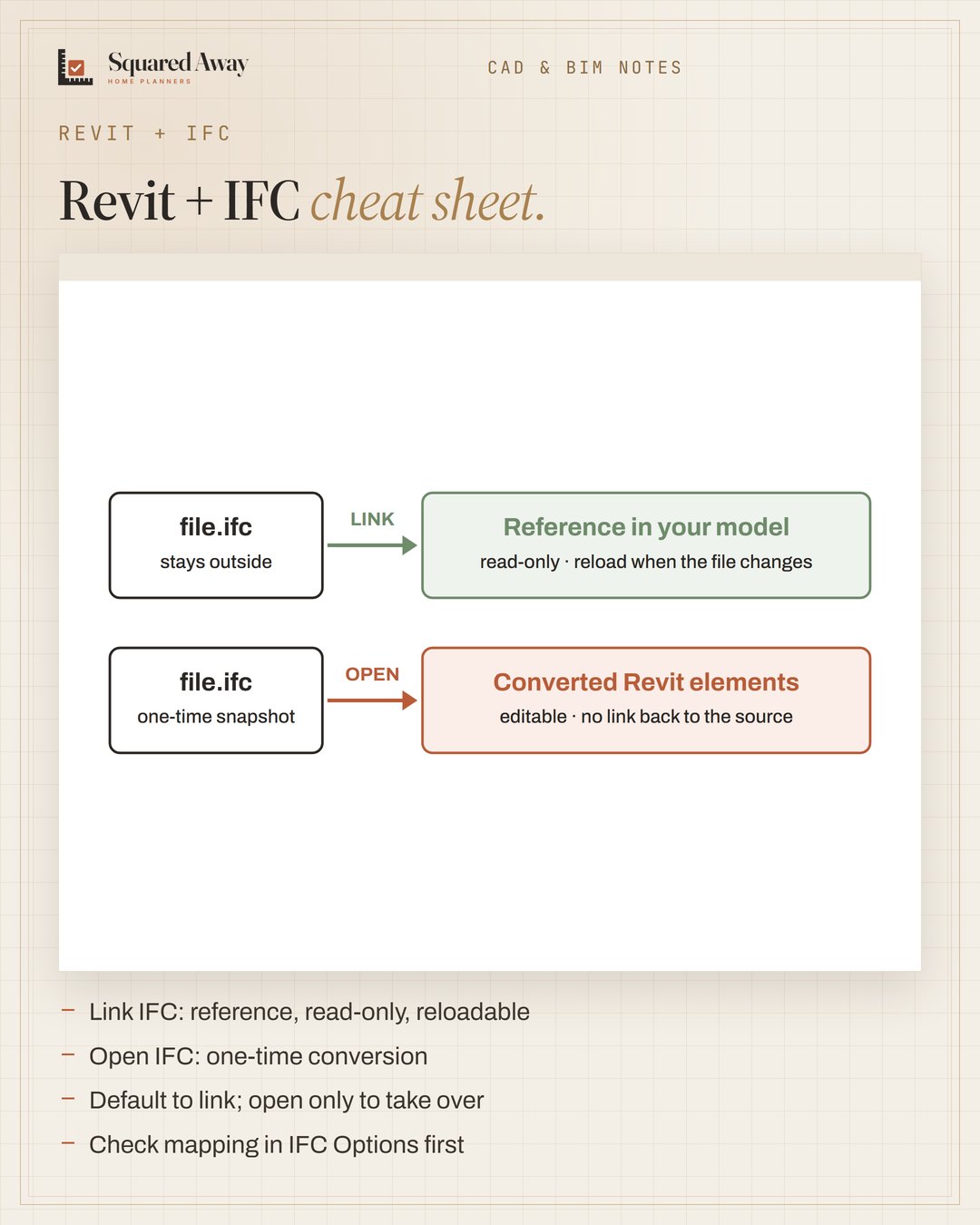
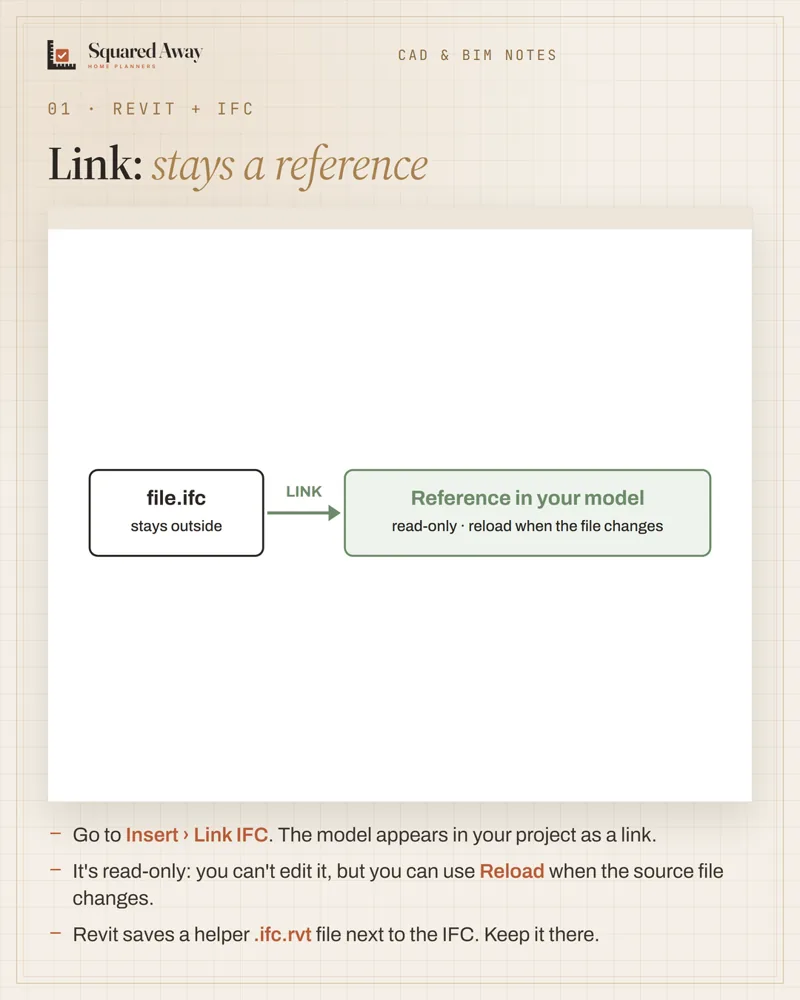
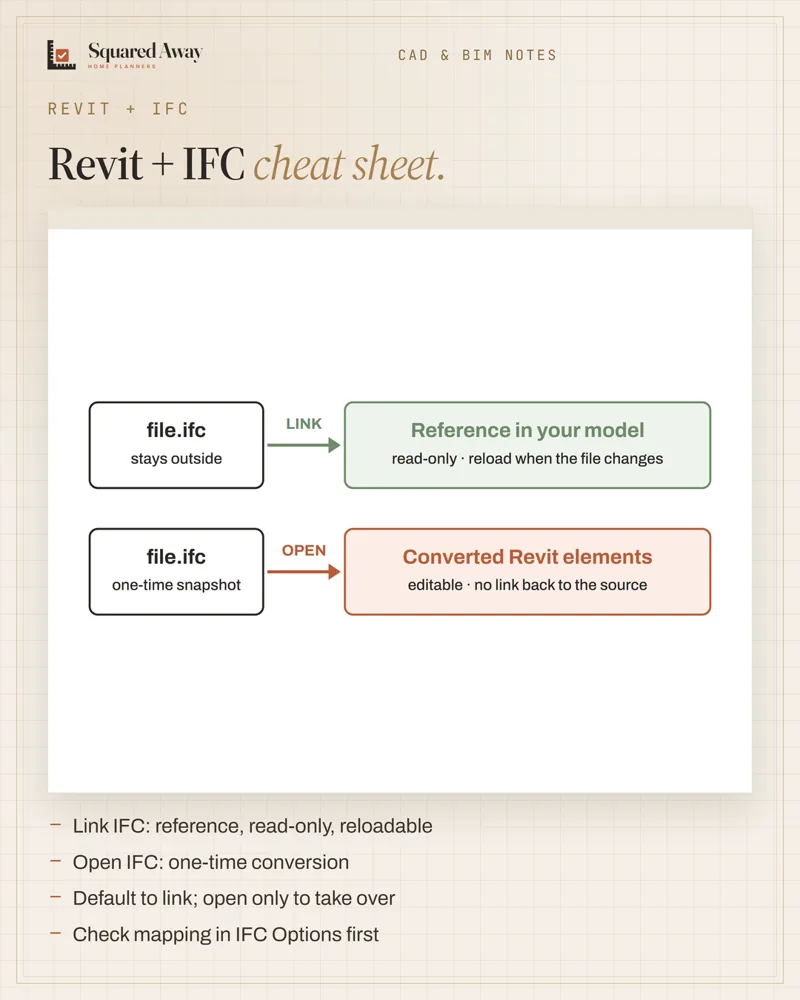
Revit gives you two doors for the same file. Insert › Link IFC keeps the model as a read-only reference you can reload when the source changes: right for a consultant's model, or for furniture you only place and show. File › Open › IFC converts it once into a new Revit project: you can work with it, but updates no longer reach you, and you should expect fixed geometry instead of flexible families. Before loading, check the class-to-category mapping under File › Open › IFC Options, then test a view and a schedule.
Put this to work.
Start with the free download, or get the full product.
Download freeSee the full productKeep reading
Block naming: group, type, size, units, every timeCAD craft · 2026-11-01Imperial vs metric kitchens: 24″ is not 600 mmCAD craft · 2026-10-31Insertion points: back center for wall pieces, center for tablesCAD craft · 2026-10-31Ceiling heights: 7 ft rooms, 6′8″ baths, 5 ft on slopesBathroom · 2026-11-01Seating group: keep seats within 8 ft and float them off the wallLiving room · 2026-11-01Kitchen remodel timeline: plan first, then about 12 weeks on siteRenovation · 2026-11-01